Codex AI Agent Skill Development for UI Design and Development
Turning product context, design-system patterns, and frontend architecture into a reusable Codex skill.
Codex can generate React components quickly, but useful UI work depends on local context: the pages, design system, component patterns, data shapes, and product expectations that make one application different from another. This walkthrough shows how an AI Agent Skill engineering project can turn that context into a focused Codex skill for UI design and development.
The example skill is scoped to a React application that uses shadcn/ui. Its target pages include Dashboard, Search, Leads, and Outreach workflows, so the skill needs to understand both reusable component architecture and the practical details of feature screens.
Create the Project
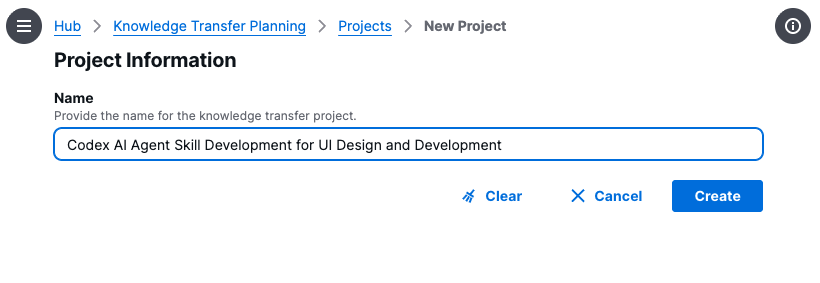
The project starts with a clear title. The title matters because it becomes the anchor for the planning work that follows: every goal, topic, and question should reinforce the same skill outcome.
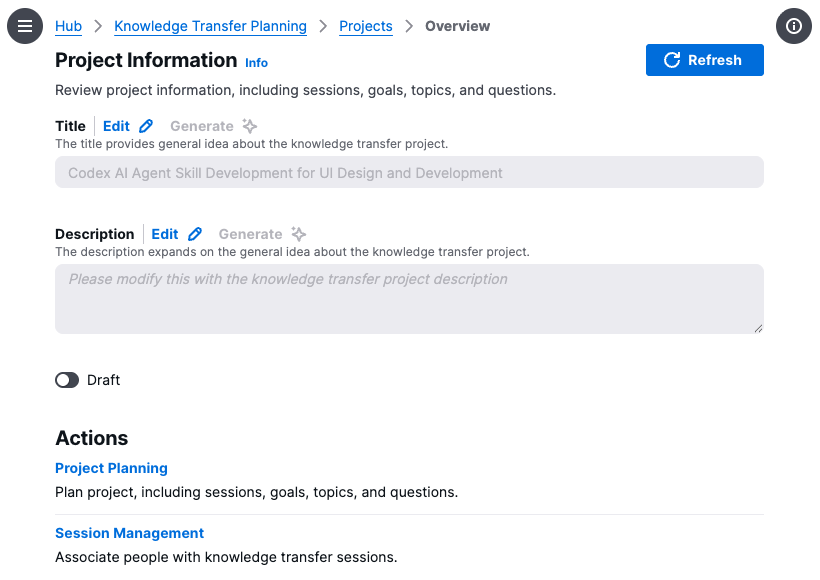
Once the project is created, the overview gives us a place to review project metadata and move into planning. At this stage the project is still empty: there are no completed goals, topics, sessions, or questions yet.
Define the Goal
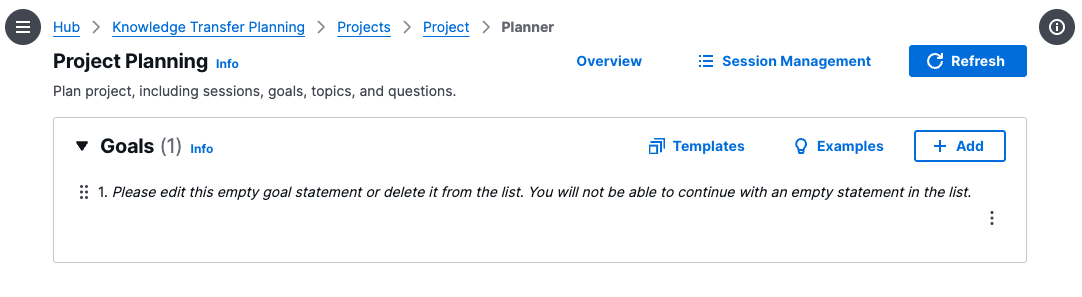
The planner begins with an empty goal placeholder. This is intentional: before generating topics, we need a concrete statement of what the future skill should help Codex do.
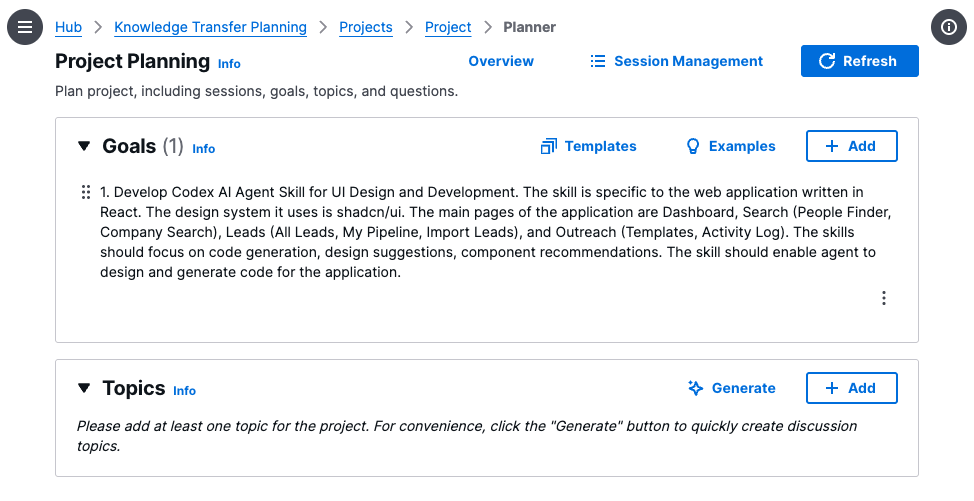
The goal is then rewritten as a practical skill brief.
Develop a Codex AI Agent Skill for UI Design and Development. The skill is specific to a React web application that uses shadcn/ui. The main pages are Dashboard, Search, Leads, and Outreach. The skill should focus on code generation, design suggestions, and component recommendations, enabling the agent to design and generate code for the application.
That goal gives the planner enough information to generate topics that are useful for a real skill, rather than generic frontend interview prompts.
Generate Skill Topics
With the goal in place, the planner generates five topics. Each topic represents a body of context the skill should capture.
- - React Component Architecture: reusable UI patterns, component hierarchy, props management, and state handling across Dashboard, Search, and Leads.
- - shadcn/ui Design System Proficiency: component usage, theming, customization, and consistency across pages such as Outreach Templates and Activity Log.
- - UI Code Generation and Design Suggestions: context-aware React code and actionable design recommendations for application-specific features.
- - Data-Driven UI Patterns: dynamic tables, filters, search results, and pipeline views that handle live or imported data.
- - AI Agent Skill Design for UI Tasks: how the skill should translate UI requests into shadcn/ui components and reliable, maintainable React code.
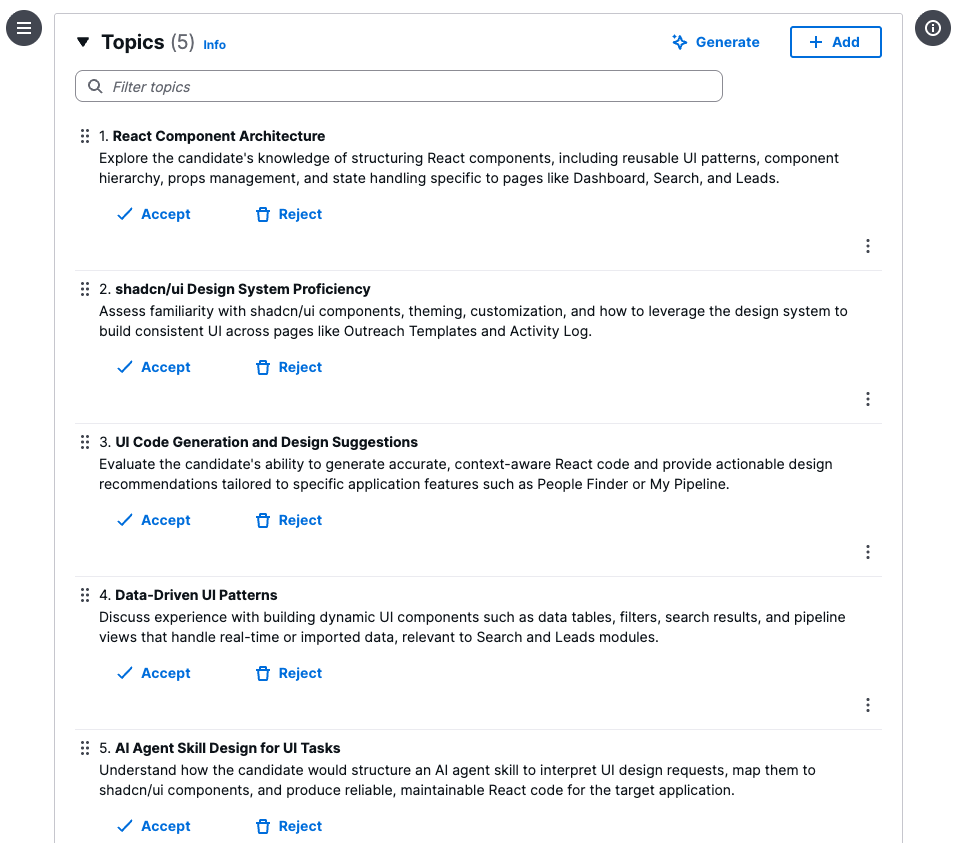
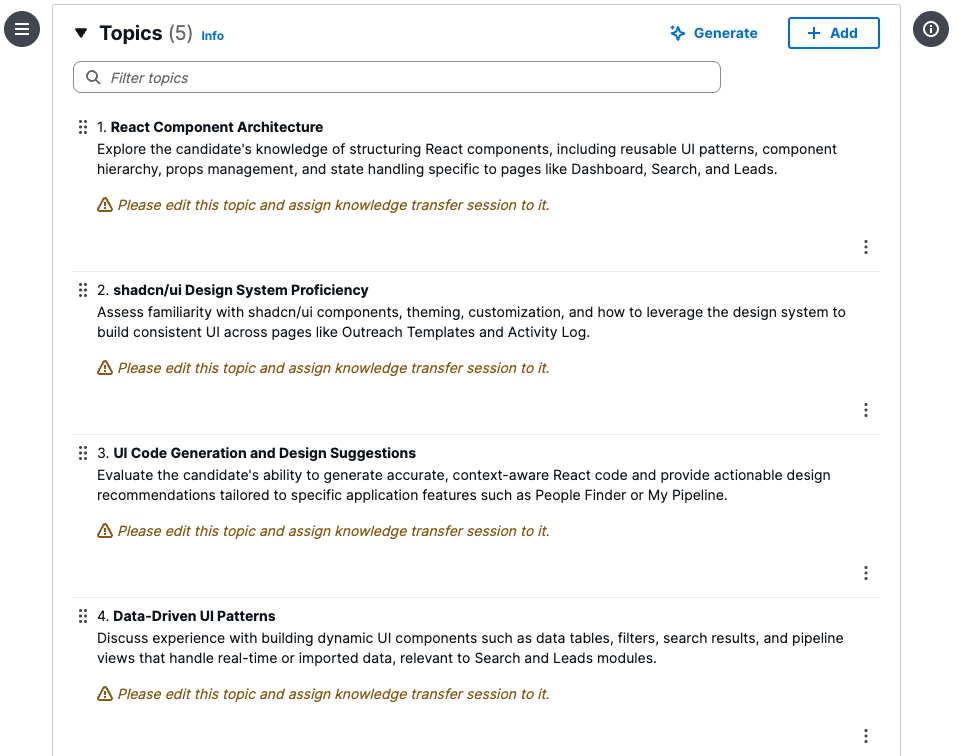
After accepting the topics, the planner shows that each one still needs editing and a skill capture session assignment. This is a useful checkpoint: generated topics are a starting structure, but they still need human review before they become the backbone of a usable interview or elicitation plan.
Turn Topics Into Questions
The next planning layer is question generation. Each topic gets its own question set, which helps turn broad areas of expertise into concrete prompts a subject matter expert can answer.
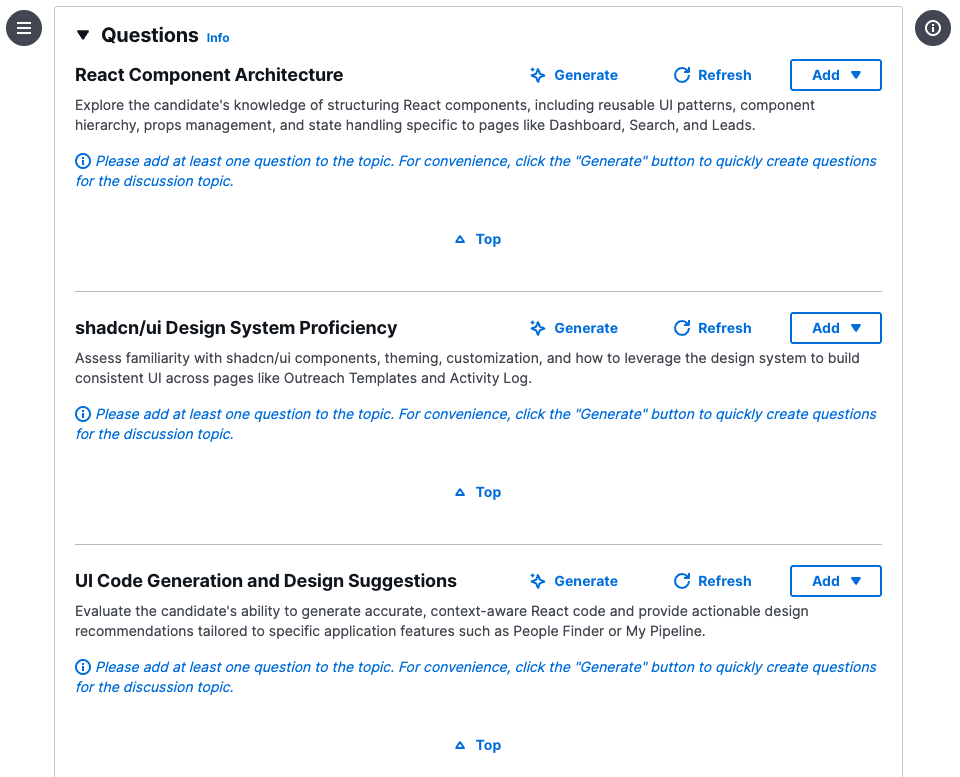
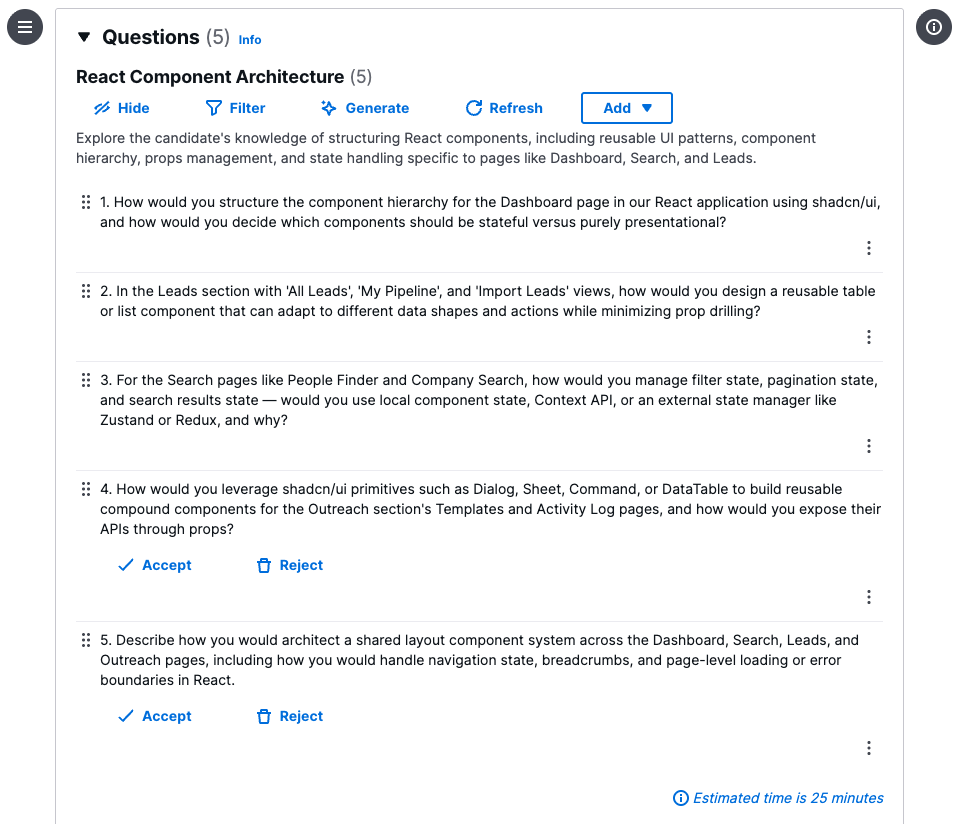
For the React Component Architecture topic, the generated questions focus on decisions that shape real code.
- How should the Dashboard component hierarchy be structured with shadcn/ui, and which components should own state?
- How should Leads views such as All Leads, My Pipeline, and Import Leads share reusable table or list components while minimizing prop drilling?
- How should Search pages manage filter state, pagination state, and search result state?
- How should shadcn/ui primitives such as Dialog, Sheet, Command, and DataTable be composed for Outreach Templates and Activity Log workflows?
- How should a shared layout system handle navigation state, breadcrumbs, loading states, and error boundaries across Dashboard, Search, Leads, and Outreach?
These questions are exactly the kind of material a Codex skill needs. They capture the engineering judgment behind the UI, not just the surface appearance of the screens.
Apply the Skill to UI Generation
Once those answers are captured in a Codex skill, the agent no longer starts from a blank prompt. It has a working model of the application shell, navigation groups, shadcn/ui component choices, row layouts, icon usage, naming conventions, and the expected level of visual density for operational screens.
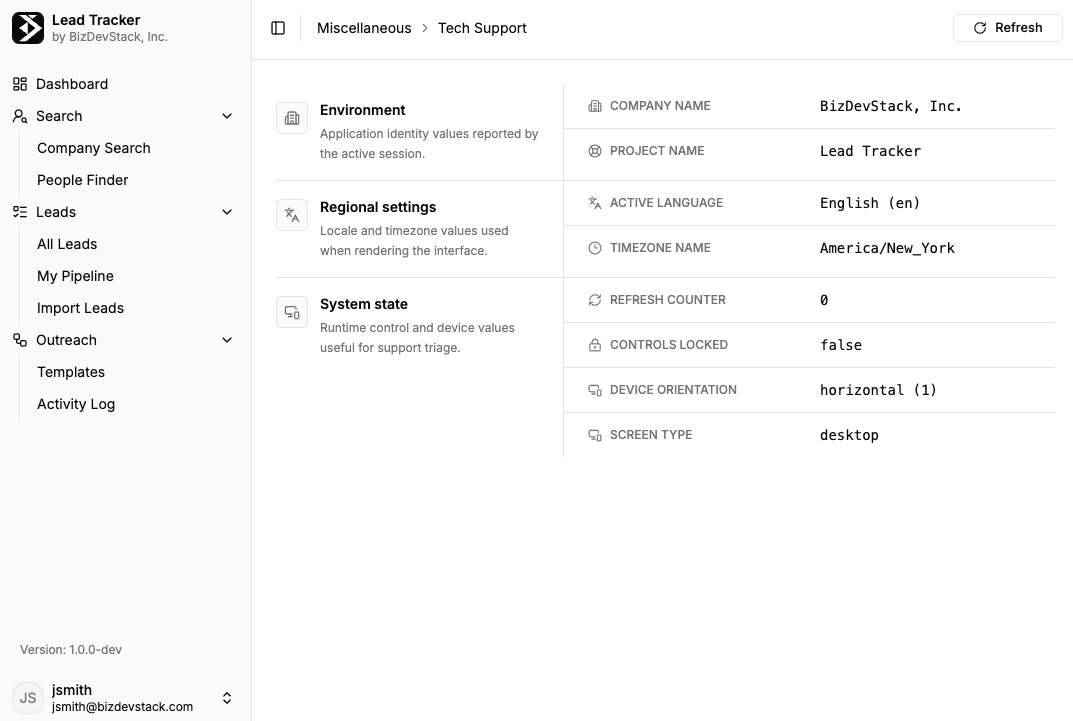
That context is what makes interfaces like the Lead Tracker support view possible to develop in minutes. Instead of rediscovering the sidebar structure, breadcrumb pattern, metadata grouping, spacing, and responsive assumptions on every task, Codex can apply the skill directly and generate an interface that already feels native to the product.
What the Skill Captures
The resulting plan creates a map for building a UI development skill that is specific enough to be useful. It tells Codex which design system to use, which pages matter, which component patterns should be reused, and which architectural tradeoffs deserve attention.
That is the difference between prompting an agent to "make a nice React page" and giving it a durable skill for producing application-native UI code.